
Blog
Skyro Online Financing Guide: Step-by-Step Application & Requirements

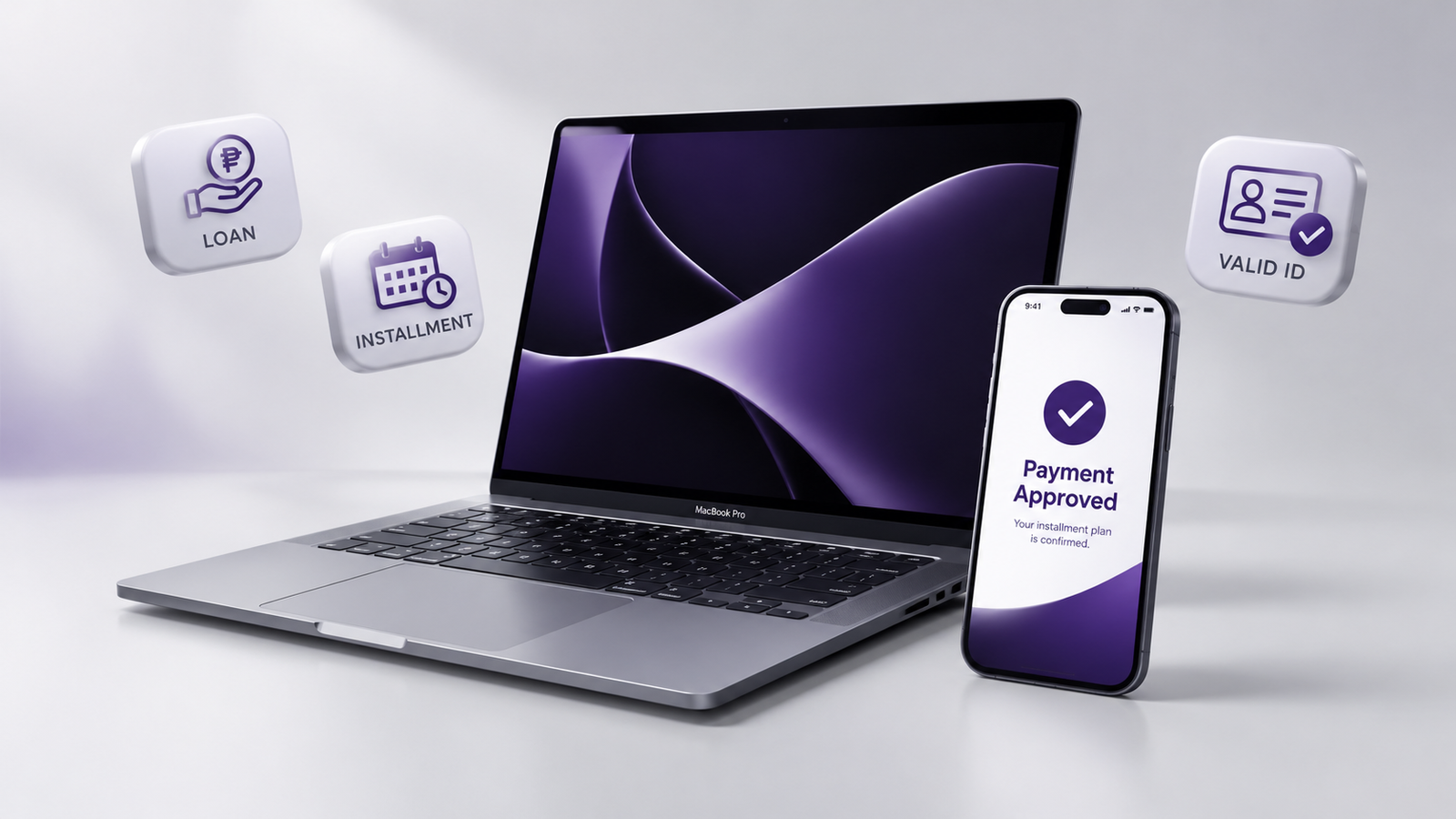
Get the tech you want today and pay in easy monthly installments with Skyro Financing, now available at PremiumGadgets.ph.
Eligibility and requirements
To qualify for a Skyro online loan, make sure you meet these criteria:
- Citizenship and age: Filipino citizen, 18 to 65 years old.
- Income source: A stable source of income (employed, self-employed, business owner, or remittance receiver).
- Contact details: A valid email address and Philippine mobile number for checkout verification.
Accepted primary IDs
You only need one (1) valid primary ID:
- Driver's License
- UMID Card
- SSS Card
- Philippine Passport
- PhilSys National ID (physical card)
- Voter's ID / PRC ID / Postal ID
Not accepted: PhilHealth IDs, TIN cards, and printed paper or digital ePhilIDs.
How to apply at checkout
The whole application is digital. Follow these steps during checkout:
- Select your unit. Choose your device on PremiumGadgets.ph and go to Website Checkout.
- Choose Skyro Payment as your payment method.
- Verify your mobile number to check for special offers, then pick your down payment and installment term (6, 9, 12, 18, or 24 months).
- Enter your personal information exactly as it appears on your ID:
- Full name, nickname (optional), valid email address, and date of birth
- Salutation, citizenship, place of birth, civil status, and educational attainment
- Overseas travel history ("Have you ever been abroad?")
- Provide your addresses: current address and permanent address.
- Add employment and financial details:
- Main source of income and workplace or business details
- One work reference and one personal reference (friend or family member)
- Your answer to "How do you handle your finances?"
- Submit your application and complete the facial biometric check.
- Upload a clear photo of your accepted primary ID.
- Take the verification call. Skyro calls your reference first, then you.
- Get your decision. You will receive an email or SMS about 5 minutes after the verification calls.
- Pay your down payment through the Skyro App using e-wallets or online banking.
- Receive your order by in-store pickup or delivery.
Sample computations
These figures are for a ₱25,000 item at an estimated add-on rate of about 5% per month. Actual rates, down payment (typically 0% to 30%), and approval are generated by Skyro's system at checkout.
| Term | Down payment | DP amount | Balance | Est. interest | Est. monthly |
|---|---|---|---|---|---|
| 4 months | 0% (0 DP promo) | ₱0 | ₱25,000 | ₱5,000 | ₱7,500 |
| 10% | ₱2,500 | ₱22,500 | ₱4,500 | ₱6,750 | |
| 20% | ₱5,000 | ₱20,000 | ₱4,000 | ₱6,000 | |
| 30% | ₱7,500 | ₱17,500 | ₱3,500 | ₱5,250 | |
| 6 months | 0% (0 DP promo) | ₱0 | ₱25,000 | ₱7,500 | ₱5,417 |
| 10% | ₱2,500 | ₱22,500 | ₱6,750 | ₱4,875 | |
| 20% | ₱5,000 | ₱20,000 | ₱6,000 | ₱4,333 | |
| 30% | ₱7,500 | ₱17,500 | ₱5,250 | ₱3,792 | |
| 9 months | 0% (0 DP promo) | ₱0 | ₱25,000 | ₱11,250 | ₱4,028 |
| 10% | ₱2,500 | ₱22,500 | ₱10,125 | ₱3,625 | |
| 20% | ₱5,000 | ₱20,000 | ₱9,000 | ₱3,222 | |
| 30% | ₱7,500 | ₱17,500 | ₱7,875 | ₱2,819 | |
| 12 months | 0% (0 DP promo) | ₱0 | ₱25,000 | ₱15,000 | ₱3,333 |
| 10% | ₱2,500 | ₱22,500 | ₱13,500 | ₱3,042 | |
| 20% | ₱5,000 | ₱20,000 | ₱12,000 | ₱2,750 | |
| 30% | ₱7,500 | ₱17,500 | ₱10,500 | ₱2,458 |
Scroll sideways on small screens to see all columns.
Frequently asked questions
How long does online approval take?
After you finish the form and the verification calls, you usually get a decision by email or SMS within about 5 minutes.
Why does Skyro call my references?
Verification calls are a standard check used by digital lenders to confirm your details. Skyro calls your reference first, then you, before giving a final status.
Can I apply without a credit card?
Yes. You only need one valid government-issued ID and a stable source of income.
What if my application is declined or needs more information?
Skyro's automated system handles the evaluation. If you are declined or asked for more documents, contact Skyro customer support, and double-check that your details match your ID.
Where do I pay my monthly installments?
Pay through the Skyro App using supported e-wallets, online banking, or partner payment centers.
Disclaimer: Final approval, exact interest rates, and down payment terms are generated by Skyro's online credit evaluation system at checkout. Premium Gadgets does not influence credit scores or approval decisions.